


The SME Boss’s Guide to the new Linux: Why Your Backend & AI Strategy Shouldn’t Rely on Windows

As a Malaysian SME business owner or manager, you are constantly juggling growth with cost control. Cloud hosting is a monthly recurring fee but today there is an open source alternative: Linux.
When your IT team or a tech-savvy executive suggests moving your backend infrastructure or testing new artificial intelligence (AI) tools on Linux, your immediate reaction might be: “Our team are on Windows and Mac laptops. We don’t have time to learn a completely new, complicated operating system.”
Here is the good news: Your staff never have to see or touch Linux. By separating your “Frontend” (the laptops your staff use daily) from your “Backend” (the engine room where your data is processed), you can leverage the elite security and computing power of Linux without spending a single cent on retraining.
Let’s look at how utilizing modern platforms like Red Hat Enterprise Linux (RHEL) 10.2 and Fedora Hummingbird Linux can give your business a massive competitive edge as a database powerhouse and a secure AI testbed.
1. The Invisible Backend: Supporting Your Windows & Mac End-Users
The vast majority of digital tools you use daily—from mobile banking apps to major e-commerce platforms—operate on a Client-Server Architecture.
Think of it like a restaurant. Your office employees are the customers sitting in the dining area, using familiar Windows laptops or Apple MacBooks (the Clients). The Linux server is the kitchen, hidden away behind a revolving door.
When you host your central company database on a separate computer running Red Hat Enterprise Linux 10.2, your staff connect to it over the office Wi-Fi or cloud via standard web browsers (like Google Chrome) or built-in software plugins. The Linux backend takes requests from both operating systems, translates the data, and throws it back to their screens instantly.
The newest RHEL 10.2 ecosystem is custom-built for these backend workloads:
- PostgreSQL 18: Ideal for fast corporate database lookups, accounting logs, and tracking inventory.
- MariaDB 11.8: A high-speed database engine that introduces new “Vector data types,” which are specifically formatted so AI models can read your business data smoothly.
2. The Zero-Cost RM0 AI Testbed: Launching Your First AI Assistant safely
Perhaps your business and team-mates wants to experiment with AI—such as building an autonomous customer service chatbot trained on your company’s product catalog or automating your sales pipeline tracking.
Building AI prototypes on traditional enterprise infrastructure can be a financial nightmare, plagued by expensive token usage and risks of data leaks.
This is where Fedora Hummingbird Linux can be of service because it requires zero account registrations or manual verifications – your automation scripts can set up a safe, temporary environment to test open-source AI models smoothly.

Because it is a community-driven, ungated platform, your tech-savvy managers can spin up a temporary “sandbox” on a developer cloud server instantly—with zero manual verifications or registration delays. It allows you to test open-source AI workflows, gauge if they actually improve your business efficiency, and throw away the temporary server to move to a permanent one when you’re done—all without risking your primary corporate data on the cloud or internet connected tools.
3. Ironclad Security and the “Mega Sale” traffic surge management
Customer data leaks can permanently destroy a local SME’s reputation. If your business stores confidential client records, running your core application on Red Hat Enterprise Linux 10.2 gives you corporate-grade peace of mind.
Its built-in Confidential Computing acts as a digital shield, locking down customer information directly inside the server’s processor while it is actively being used.
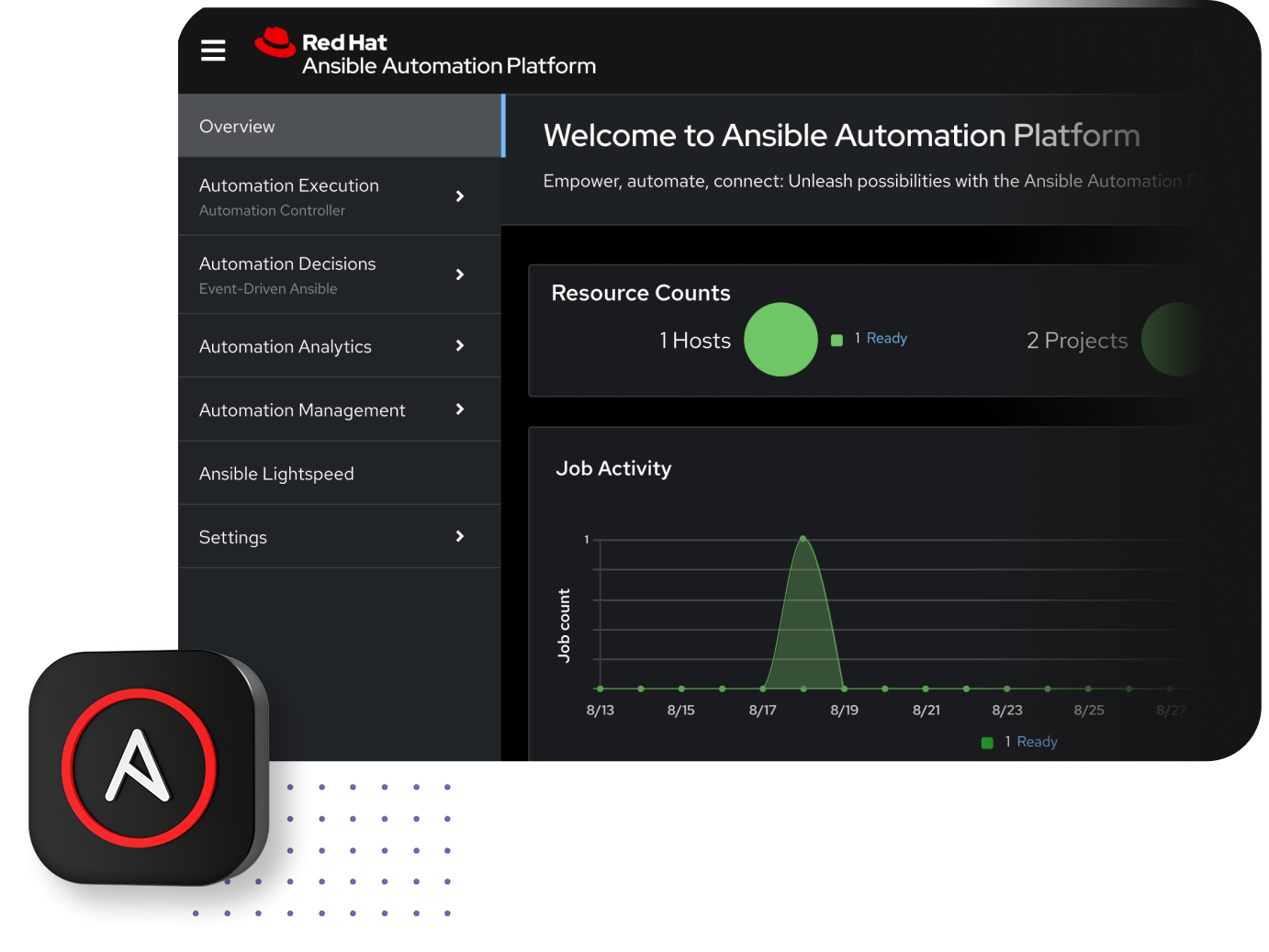
Furthermore, if you run a high-traffic e-commerce portal or a customer booking system, crashes cost money. If your website encounters an sudden traffic surge at 2:00 AM, you shouldn’t have to wake up an engineer. When combined with the Ansible Automation Platform 2.7, the system acts as a trusted execution layer.
An AI monitoring agent can automatically detect the website crash and instantly trigger a secure, pre-approved blueprint via Ansible to allocate more server memory, bringing your business back online in minutes without human intervention.
Hardware Requirements: Can You Reuse Old Office PCs?
One of the biggest financial advantages of a Linux backend is its extreme hardware efficiency. Unlike Windows 11, which can demand steep hardware upgrades, Linux can run smoothly on older, repurposed machines.
Before allocating a large capital expenditure budget to buy expensive new servers, look around your office for machines with the following specs.
| Component | Absolute Minimum (To turn it on) | Recommended specs for a smooth operation |
| Processor (CPU) | 1 GHz 64-bit (Supports x86-64-v3) | Modern Quad-Core (e.g., Intel Core i5 or AMD Ryzen 5) |
| Memory (RAM) | 1.5 GB to 2 GB RAM | 8 GB to 16 GB RAM (Crucial for fast database caching) |
| Storage | 10 GB free space | 100 GB+ Solid State Drive (SSD or NVMe) |
The Cost-Saving Strategy: If you have an old office desktop computer lying around—perhaps one with a 6th to 8th-generation Intel Core i5 processor, 16GB of RAM, and a 256GB SSD—it may feel sluggish running heavy modern Windows desktop applications.
However, if you wipe that machine and install Red Hat Enterprise Linux 10.2 as a “headless server” (meaning you unplug the monitor, mouse, and keyboard and let it run quietly in an office corner), that old computer instantly transforms into a high-speed corporate database server.
It will easily serve 20 to 30 Windows and Mac users concurrently, saving your company thousands of ringgit in cloud hosting fees and hardware acquisition costs.
Learn more about Red Hat here.
Read more of our articles below!

